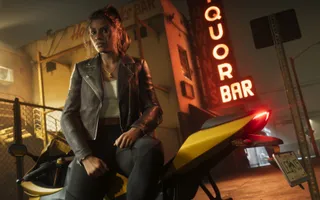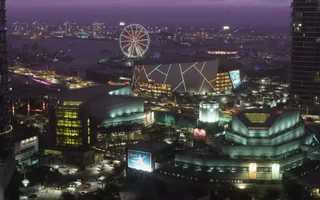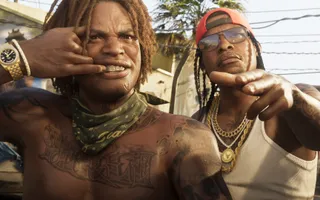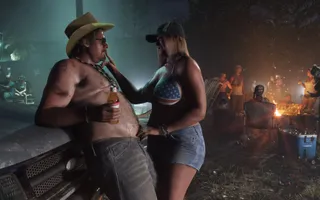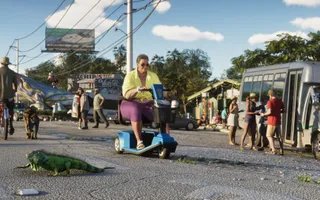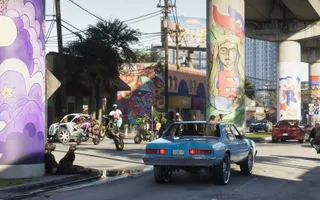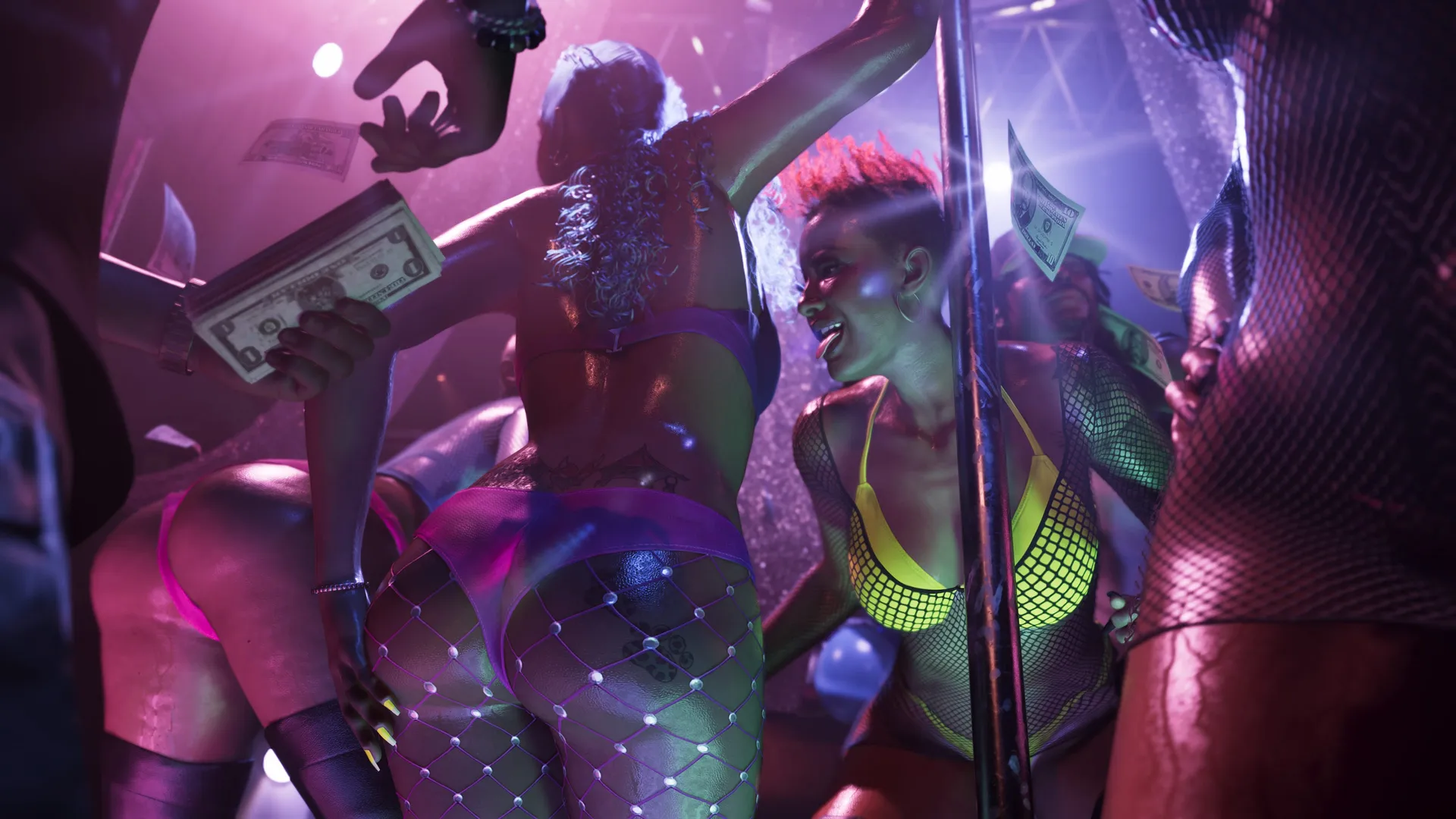
You can make a GTA 6 phone or desktop wallpaper from official Rockstar artwork and screenshots in our wallpaper studio. Browse the collection, save favorites, pick a screen size and adjust the frame before downloading. The studio uses official media; the crop is your own browser export.
Rockstar’s media library is the original source. Its artwork and wallpapers collection and screenshots collection were checked for the studio on October 11, 2026. Original-source links remain available on every gallery card and in the editor.
Make a phone wallpaper in four steps
- Open the GTA 6 wallpaper studio and choose an image.
- Select a phone preset close to your display resolution.
- Adjust zoom and horizontal or vertical position to frame the subject.
- Download the JPEG, then choose it in your phone’s wallpaper settings.
Portrait artwork is used where Rockstar supplies a portrait version. A landscape screenshot can also become a phone wallpaper, but it uses a narrower slice of the image. Frame Jason or Lucia with enough space around the face for the clock and notifications.
Phone wallpaper systems can crop or reposition an image again. Check the preview on your device before confirming it. A preset gives a known pixel size; it is not a promise that every phone with that resolution applies exactly the same framing.
Choose a screen ratio before choosing the crop
| Studio preset | Best starting point |
|---|---|
| 1080 × 1920 | A 9:16 portrait wallpaper |
| 1170 × 2532 or 1290 × 2796 | Taller portrait phone displays |
| 1440 × 3200 | A tall, high-resolution phone crop |
| 1920 × 1080 | A 16:9 Full HD desktop |
| 2560 × 1440 | A 16:9 QHD desktop |
| 3840 × 2160 | A 16:9 4K desktop |
| 3440 × 1440 | An ultrawide desktop frame |
Check your own screen dimensions before selecting. Pixel size and aspect ratio do different jobs: size determines the output dimensions, while ratio determines how much of the original image survives the crop.
What a 4K wallpaper claim should mean
A 3840 × 2160 export has 4K output dimensions. It does not necessarily contain native 4K detail. If a smaller source is enlarged, or you zoom into a small part of a 4K source, the missing detail cannot be recovered by saving more pixels.
The editor shows source and export dimensions and warns when a crop needs enlargement. Keep zoom close to its minimum when sharpness matters. For the unmodified source file, use the “Rockstar original” link instead of the crop download.
Find a look without scrolling the whole collection
Search by character, title or region. Choose artwork for cover-style compositions, or screenshots for in-game scenery. The location filter helps you find Vice City, Leonida Keys, Port Gellhorn, Ambrosia, Grassrivers and Mount Kalaga National Park.
Tap the heart to save favorites in this browser, then use “My favorites” to return to them. No account is required. Favorites are local to your device and browser; clearing site storage removes that saved list. The crop editor also works locally in your browser.
Official source credits and more ways to explore
The gallery credits Rockstar Games and Take-Two Interactive and links to the official originals. Leonida Afterhours is an independent fan site; its crop presets and gallery are not Rockstar products. An export does not transfer ownership of the artwork.
If the landscapes catch your eye, try the daily screenshot challenge or read the Leonida region guides. For the people in the artwork, visit the character directory. The GTA 6 tools hub connects the studio with our quizzes and practical launch articles.
Sources
Primary launch facts start at Rockstar Games and Take-Two. See the editorial policy for how we rank sources.
FAQ
Where can I download GTA 6 wallpapers?
Use Rockstar’s official media library, or browse its official images in the Leonida Afterhours wallpaper studio and create a crop for your screen.
Can I make an iPhone or Android wallpaper?
Yes. The studio includes portrait presets and position controls. Check your device resolution and remember the phone may crop the image again.
Are all phone crops native 4K?
No. Source resolution and the amount cropped determine detail. The studio warns when your export needs enlargement; a bigger output does not add source detail.
Does the wallpaper studio add a watermark?
No. It exports your crop as a JPEG without a Leonida Afterhours watermark. Rockstar and Take-Two retain ownership of the artwork.