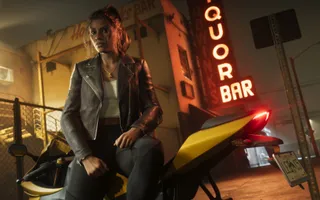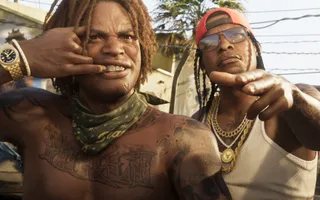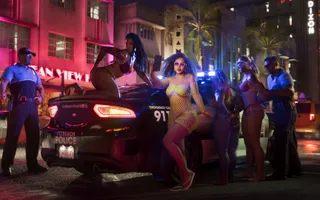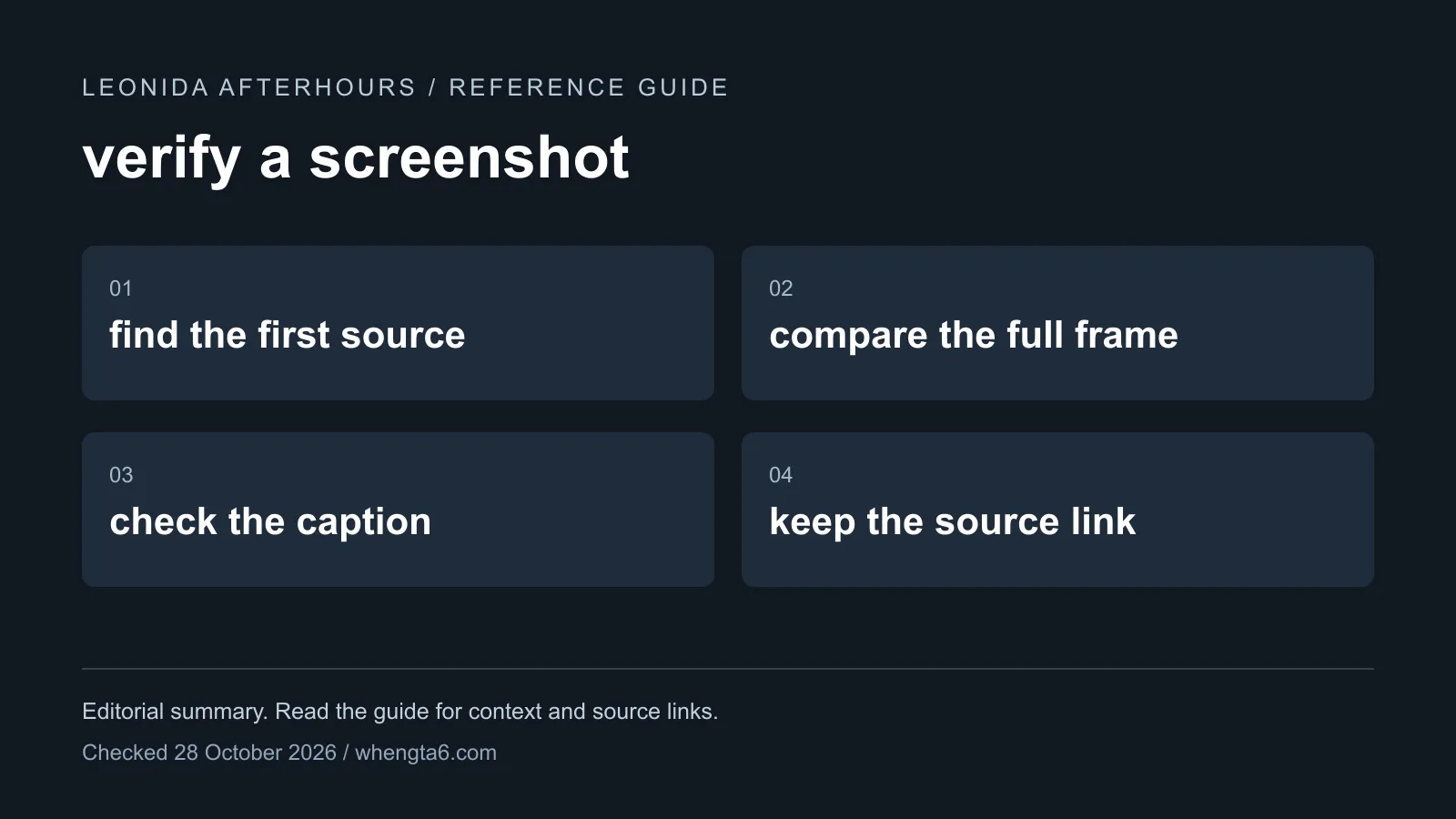
The strongest way to verify a GTA 6 screenshot is to locate its source, not to judge how realistic it looks. Start with the Media & Artwork section on Rockstar’s GTA VI hub or the original official video.
Step 1: identify what the image claims to be
A screenshot can be a trailer frame, a promotional still, illustrated artwork or a capture of gameplay. Those labels matter. Official artwork is genuine marketing material, but it is not a demonstration of the game’s menu or a promise about a playable action.
Write down the claim before checking the image. “This is official art” is much easier to establish than “this proves a new gameplay feature.”
Step 2: find the complete frame
Compare the image with the official source. Check the composition, surrounding objects and any visible text. If it came from a video, record the timestamp and compare the frames before and after it.
A crop can hide context. It can also make a background prop look like the focus of a scene. Our screenshot guide and artwork guide provide starting points for official material.
Step 3: check changes separately
Added subtitles, arrows, sharpening, color grading or a redesigned interface should be identified as edits. A real background image does not make every added element official.
Visual oddities alone are not a reliable verdict about how an image was made. Compression, motion blur and upscaling can all alter details. Source matching is stronger evidence than guessing from a hand or reflection.
Step 4: test the caption
Even an unchanged official frame can carry a false caption. A nightclub scene does not announce club ownership. A character biography does not supply an age that Rockstar never states. A fan spinner over artwork does not become an official loading screen.
Ask what the original source actually demonstrates, then keep the conclusion within that evidence.
A small verification record
Save the image’s source URL, its type, the video timestamp if relevant, the date checked and the specific claim supported. If you cannot find the original, label the source as unresolved. Repeating the image across several accounts does not provide several independent confirmations.
This approach also protects an article from becoming outdated: a later official announcement can change the conclusion while leaving a clear record of what was known before.
Sources
Primary launch facts start at Rockstar Games and Take-Two. See the editorial policy for how we rank sources.
FAQ
Can a real GTA VI image have a misleading caption?
Yes. An official frame can be paired with an unsupported claim about a feature, location or character.
Can visual artifacts alone prove an image is fake?
No. Find the original source and compare the full frame; compression and editing can also create artifacts.