A GTA 6 logo on a download page does not make the file official. Start with Rockstar’s GTA VI site, then follow the appropriate store route. The announced launch platforms are PlayStation 5 and Xbox Series X|S.
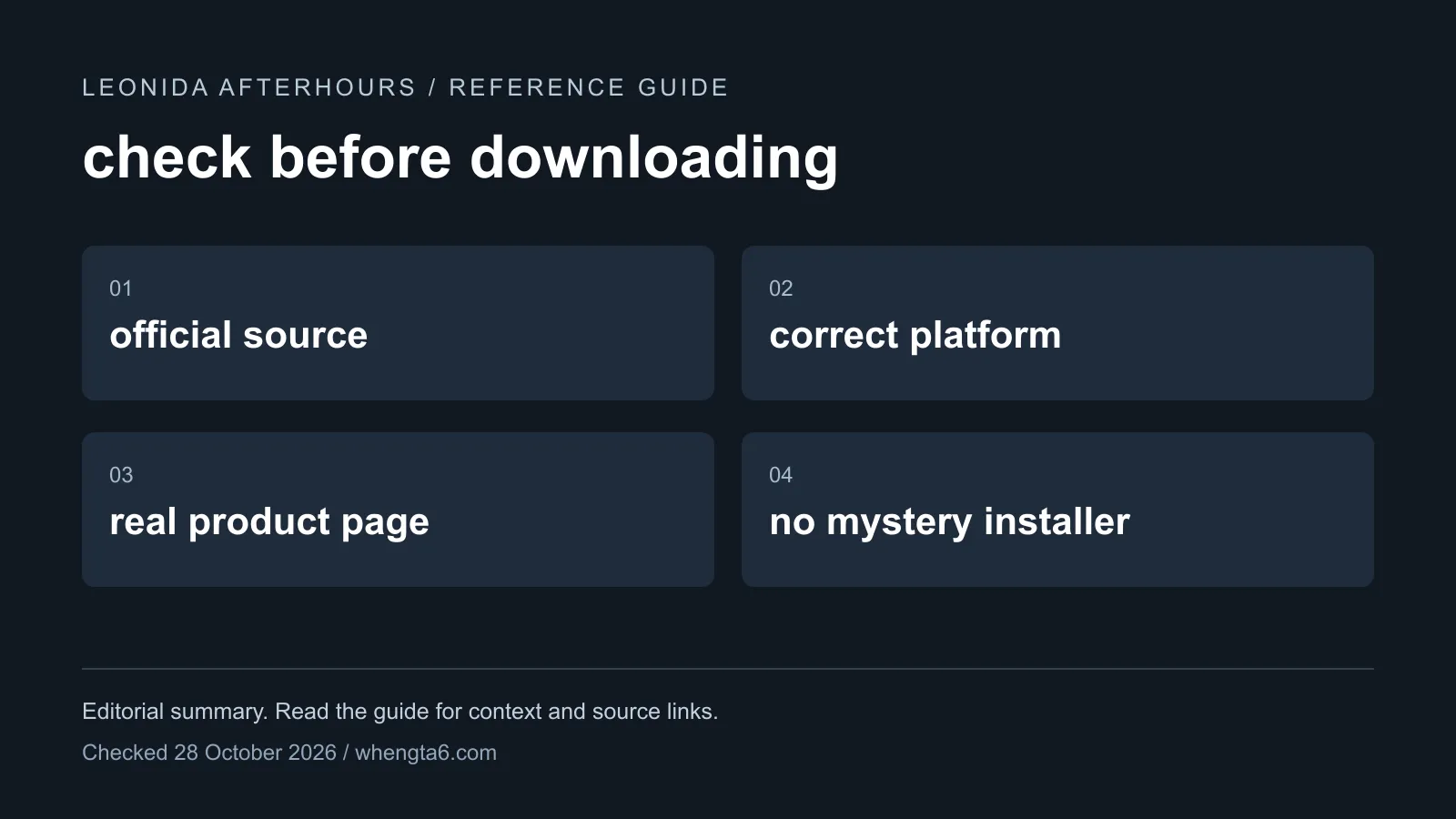
Check these four things first
- Source: Did you reach the product from Rockstar or a recognized platform store?
- Platform: Does the claim match an officially announced version?
- Product: Is the listing for the game, a companion item, music or fan content?
- Requirement: Does it demand an unrelated browser extension, survey, executable or account login?
An impressive trailer embedded on the page does not answer those questions. Anyone can place a genuine promotional video next to an unrelated download button.
PC builds, APKs and browser demos
A claim about a PC build needs an official PC announcement and a verifiable distribution page. An APK is an Android package; the console announcement does not establish an Android version. A browser experience may be a fan project or a different game.
That does not mean every fan project is malicious. It means its identity and purpose need to be clear. Read our platform guide and PC release page before treating a download as GTA VI.
A preload is not an unlocked game
A legitimate console preload installs files associated with your purchase. It does not mean the game becomes playable before its unlock conditions are met. Keep the installation date and playable launch separate.
Our preload guide explains the announced preparation window. A page promising immediate access through a separate installer should be checked against the actual official product terms.
If you already downloaded a suspicious file
Do not run it just to see what it does. Use your operating system’s security tools to scan it. If you entered account details on an unfamiliar page, go directly to that account provider through its known site and review the account’s security options.
If you already ran a suspicious program, the question becomes a device-security issue rather than a game-installation problem. Get help assessing the device instead of repeatedly trying the installer.
Evidence worth keeping
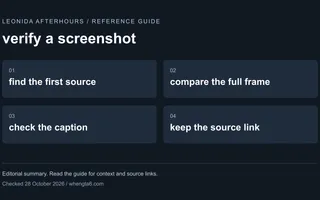
Save the original URL and the exact product claim. Avoid forwarding the file to friends as a way to verify it. For claims supported only by pictures, use our screenshot verification guide to trace the image back to its source.
Sources
Primary launch facts start at Rockstar Games and Take-Two. See the editorial policy for how we rank sources.

FAQ
Does an official trailer prove a GTA 6 download is genuine?
No. A genuine trailer can be embedded beside an unrelated download. Verify the product through Rockstar and the relevant platform store.
Is a GTA 6 APK established by the console announcement?
No. An Android APK claim needs its own official product and distribution evidence.